 Join our Discord server
An engine of its own
HTML, CSS with Flexbox and Grid, SVG, the 2D canvas and WebGL, WebM video, and modern JavaScript with WebAssembly, all done by Lumikettu's own code. It is not Chromium, WebKit or Gecko under a new coat of paint.

A web browser with an engine of its own.
Lumikettu – Finnish for snow fox – is a small, independent web browser for Windows. The engine that reads, lays out and draws its pages and the one that runs their scripts are its own, written from scratch. Coded with AI – most likely not stable enough yet as a daily driver - but it’s a start.
Version 0.1.731 · Windows 10 and 11, 64-bit · What it needs
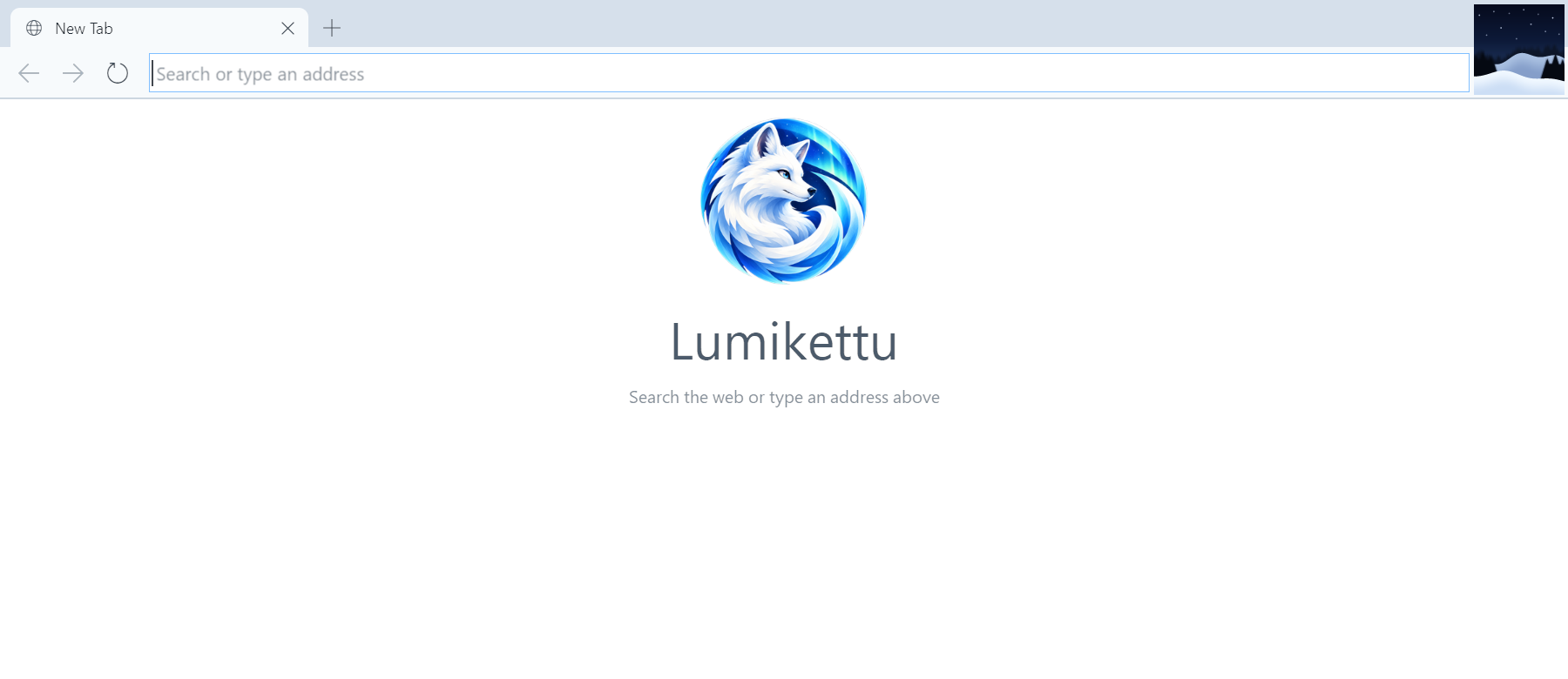
What Lumikettu does already, and how it keeps out of your business.
HTML, CSS with Flexbox and Grid, SVG, the 2D canvas and WebGL, WebM video, and modern JavaScript with WebAssembly, all done by Lumikettu's own code. It is not Chromium, WebKit or Gecko under a new coat of paint.
Type an address without https:// and Lumikettu asks for the secure page first. It falls back to plain HTTP only when a site does not answer over HTTPS.
Cookies of other sites embedded in a page are kept apart for each site you visit, so they cannot follow you around the web.
No accounts, no telemetry, no update checks. Lumikettu itself talks only to the sites you visit, and to DuckDuckGo when you search from the address bar.
The shortcuts you know from other browsers, a middle click to open a link behind or to close a tab, and zoom with Ctrl and the mouse wheel. Each download asks where it should go, and Ctrl+J lists them all.
Unzip it and run it. Lumikettu keeps your cookies, site data and settings in one folder, and a session you start with /PRIVATE leaves no cookies or site data behind.
Lumikettu 0.1.731 for Windows: a zip file, with nothing to install.
Lumikettu.zip.Lumikettu.exe. Lumikettu is not signed yet, so Windows may say that it protected your PC: choose More info, then Run anyway.For a private session, start Lumikettu.exe /PRIVATE. To remove Lumikettu, delete its folder and %LOCALAPPDATA%\Lumikettu, where it keeps your cookies, site data and settings.
The shortcuts you know from other browsers work in Lumikettu too.
| New tab | Ctrl+T |
|---|---|
| Bring back the tab you closed | Ctrl+Shift+T |
| Close the tab | Ctrl+W or Ctrl+F4 |
| Close any tab | A middle click on it |
| Next tab | Ctrl+Tab |
| Previous tab | Ctrl+Shift+Tab |
| Tabs 1 to 8 | Ctrl+1 to Ctrl+8 |
| The last tab | Ctrl+9 |
| Your downloads | Ctrl+J |
| The menu bar | Alt or F10 |
| Back | Alt+Left |
|---|---|
| Forward | Alt+Right |
| Reload | F5 or Ctrl+R |
| Stop loading | Esc |
| Go to the address bar | Ctrl+L, Alt+D or F6 |
| Open a page from your PC | Ctrl+O |
| Zoom | Ctrl and the mouse wheel |
| Actual size | Ctrl+0 |
| Open a link behind this tab | Ctrl+click or a middle click |
| Open a link in a new tab | Shift+click |
Lumikettu is young, and some of what you expect of a browser is still to come.
Some sites look or behave differently than in other browsers, and some do not work yet – tell us which.
Bug reports, requests, ideas and anything else about Lumikettu are welcome at [email protected], or come and talk about them on Lumikettu's Discord server.
Tell us what you would most like Lumikettu to do next, or which sites matter to you. Questions, praise and complaints are all welcome too.